Building a modern .NET application often involves far more than writing business logic. Developers must create project structures, configure middleware, set up databases, manage Entity Framework migrations, and establish testing frameworks before they can begin building actual features.
With the rise of AI-powered coding assistants, many of these tasks can now be automated. But how far can AI really go when creating a real-world application from scratch?
In this experiment, Claude is tasked with building a complete ASP.NET Core customer support ticketing system using natural language requirements alone. Along the way, we'll examine what AI gets right, where it struggles, and whether detailed technical specifications can significantly improve the quality of the generated application.
1. Building an ASP.NET Core App with Claude
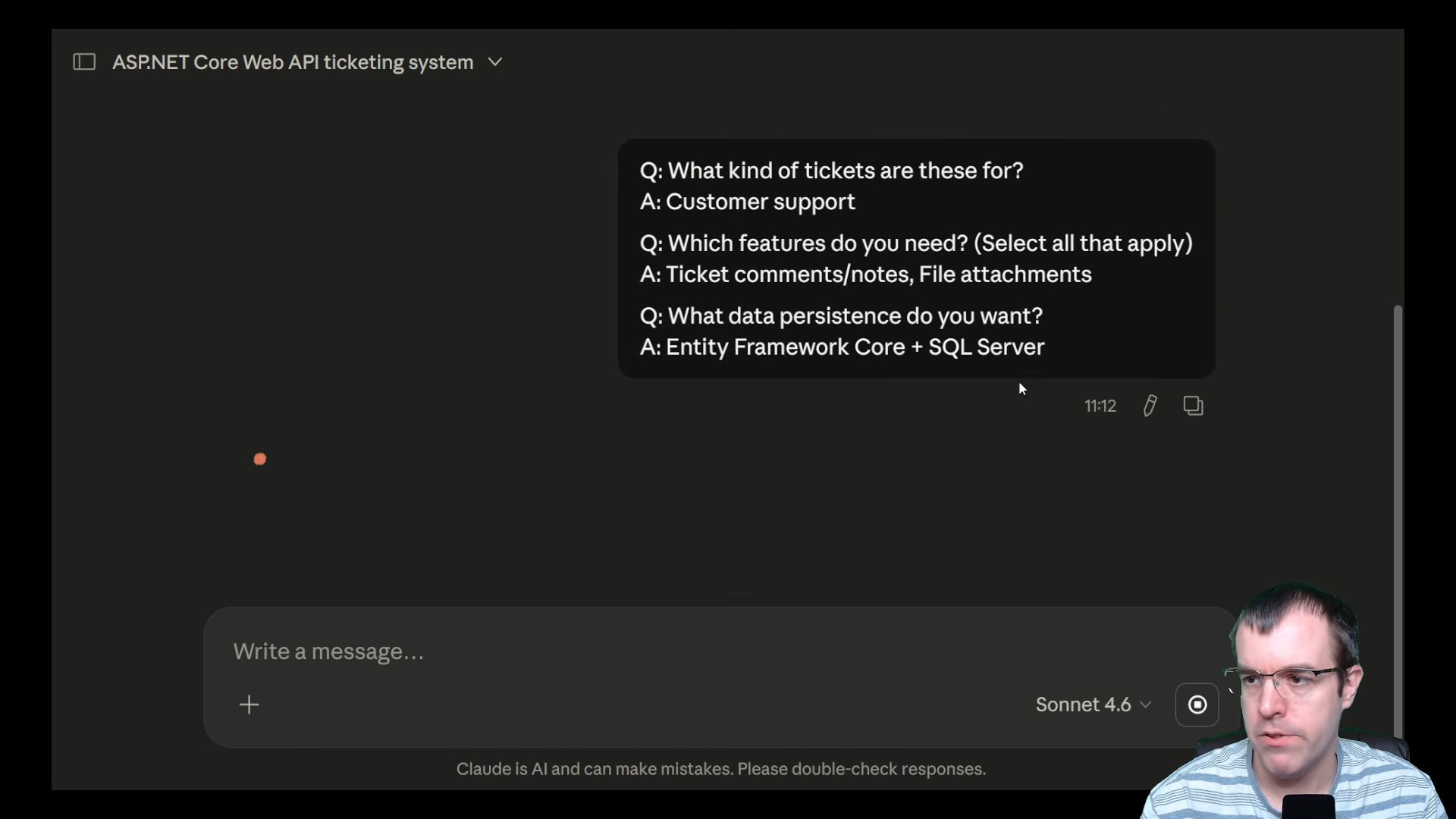
The video begins by asking Claude to create a complete ASP.NET Core customer support ticketing system. Requirements include ticket comments, notes, file attachments, Entity Framework Core, and SQL Server integration. This serves as a real-world test of how effectively AI can generate a production-style .NET application from natural language instructions.
2. Evaluating the First Generated Project
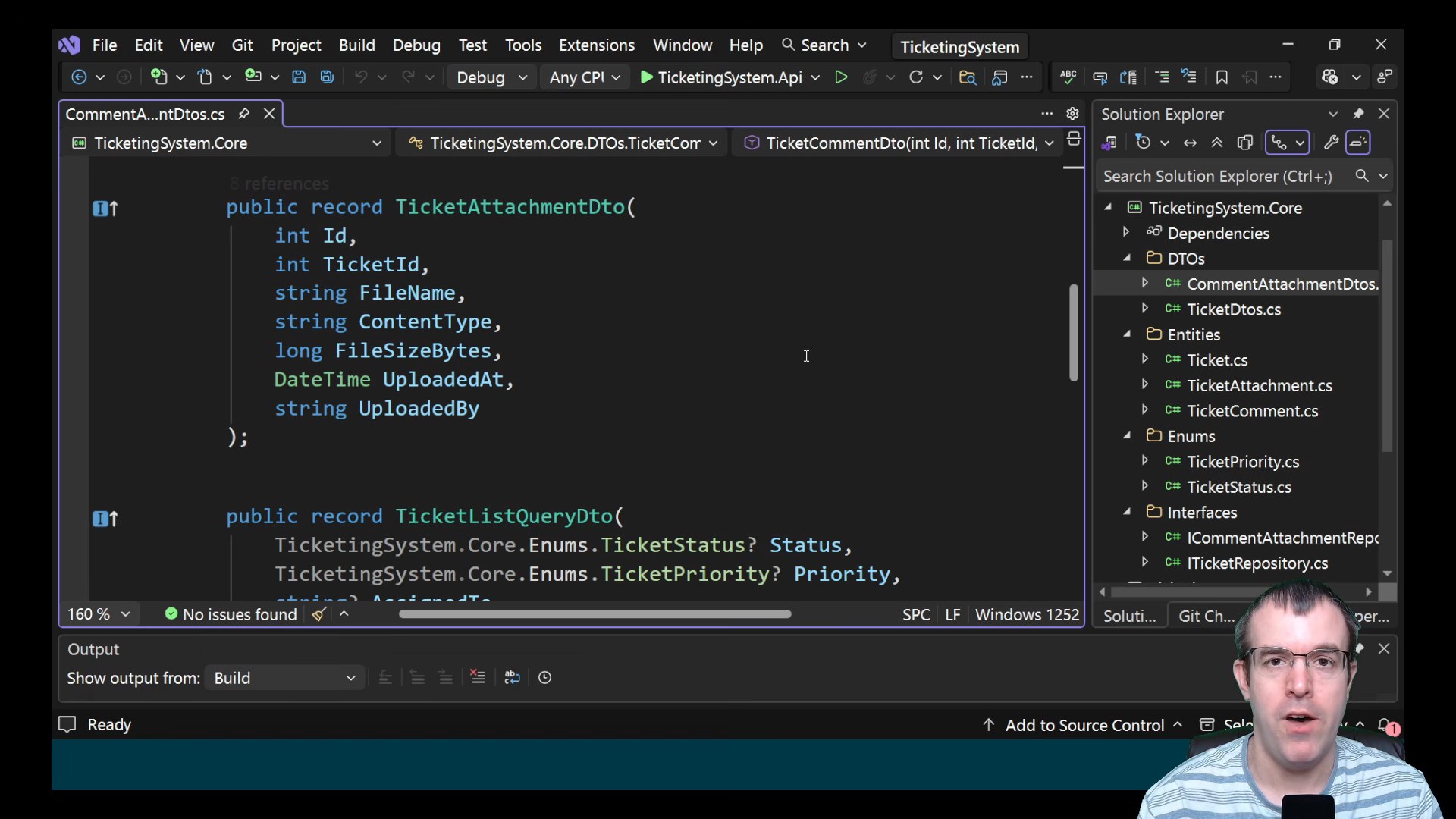
Claude successfully generates a project that compiles, but several important components are missing. The application lacks Entity Framework migrations, unit tests, and a cleaner project structure. This highlights the gap between generating working code and delivering a complete, maintainable software solution.
3. Fixing Build and Database Issues
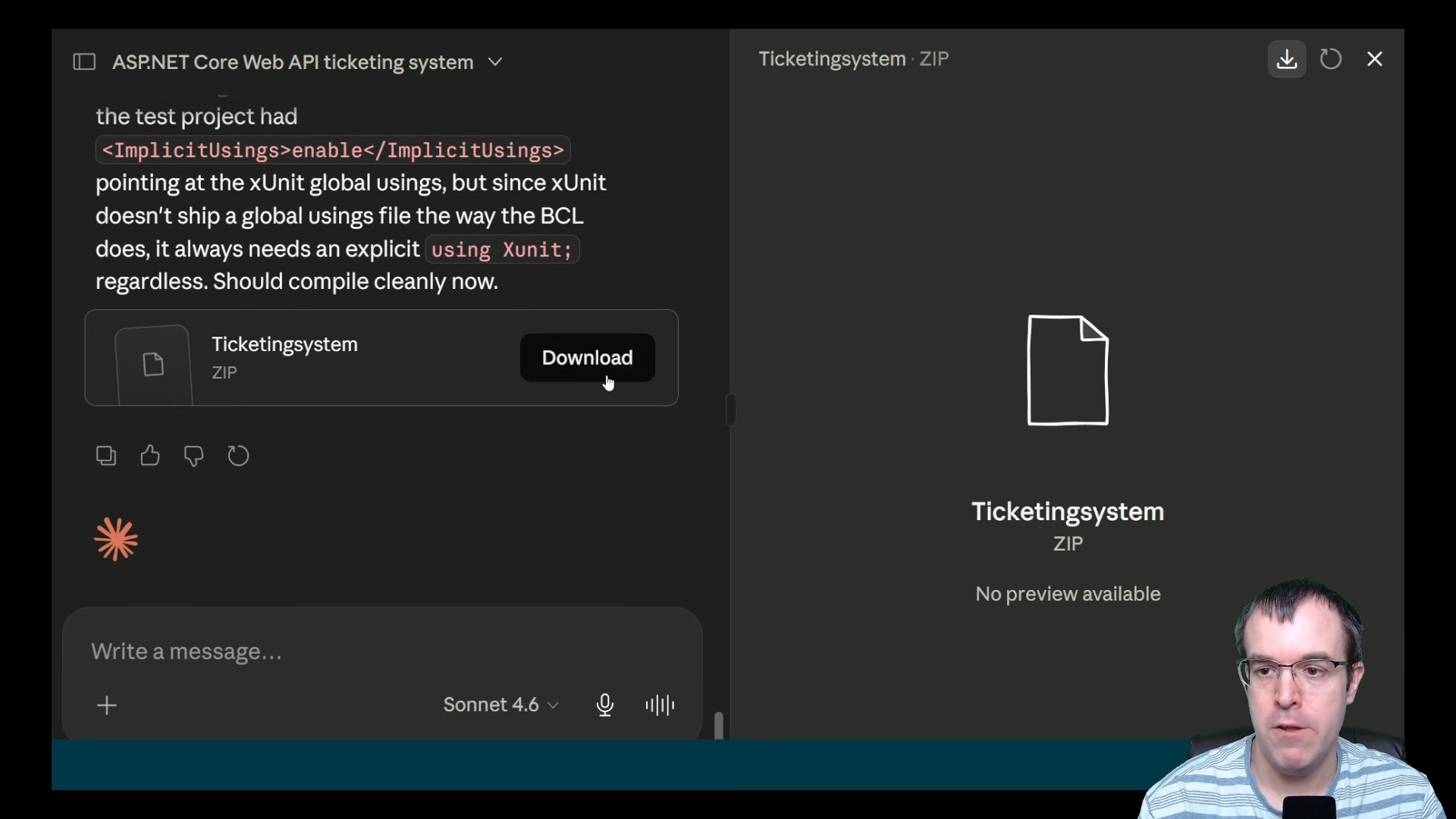
After requesting improvements, the project encounters several new problems. Claude helps resolve xUnit compilation errors, but database configuration and migration issues continue to surface. The process demonstrates that AI can assist with troubleshooting, although multiple rounds of validation and correction are still required.
4. Why Better Prompts Produce Better Applications
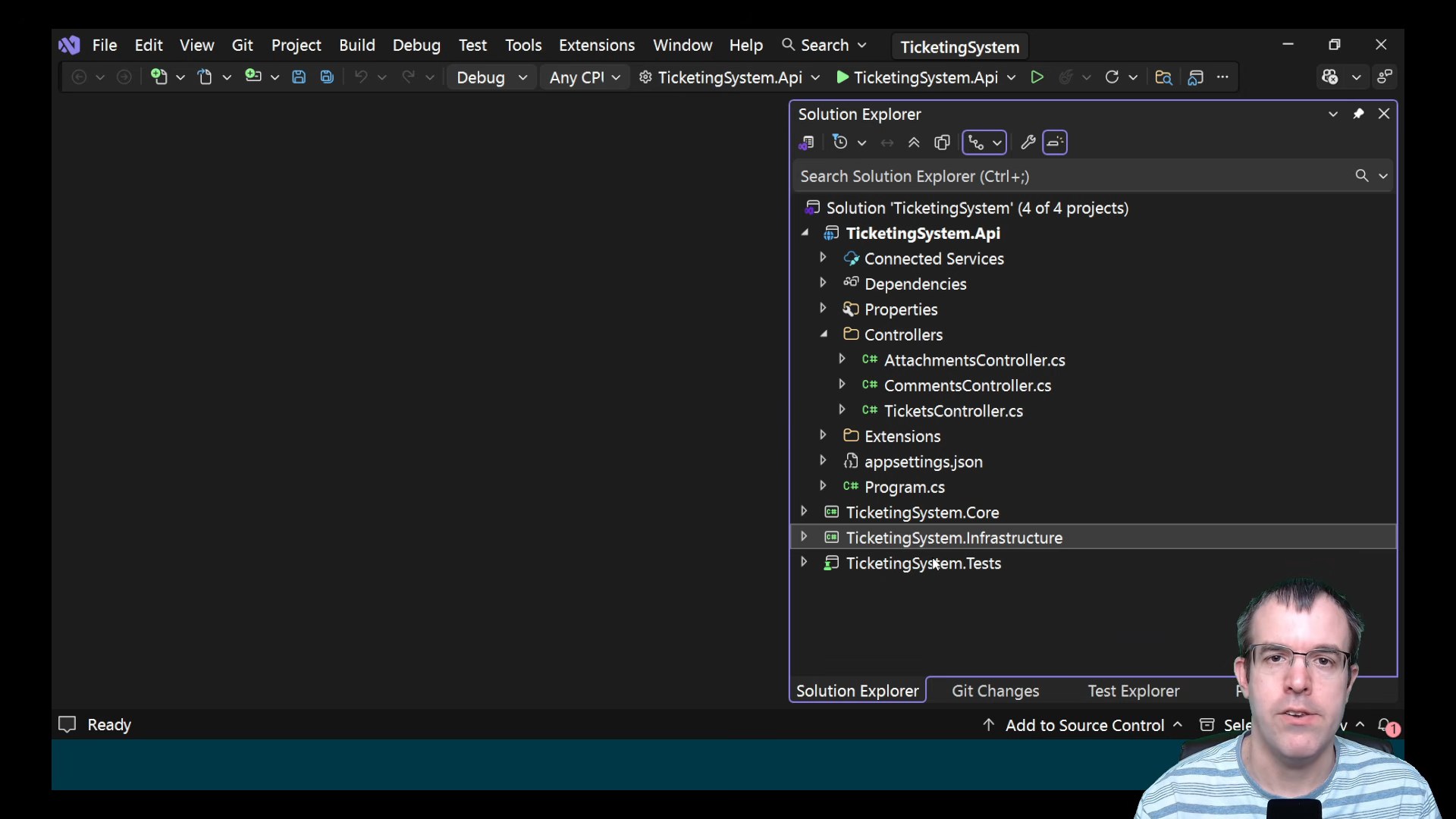
The creator explains that many of the project's shortcomings were caused by vague instructions. Because requirements such as Minimal APIs, testing strategy, and architecture patterns were not explicitly defined, Claude had to make assumptions. This section emphasizes the importance of prompt quality when generating software with AI.
5. Using Technical Specifications with Claude
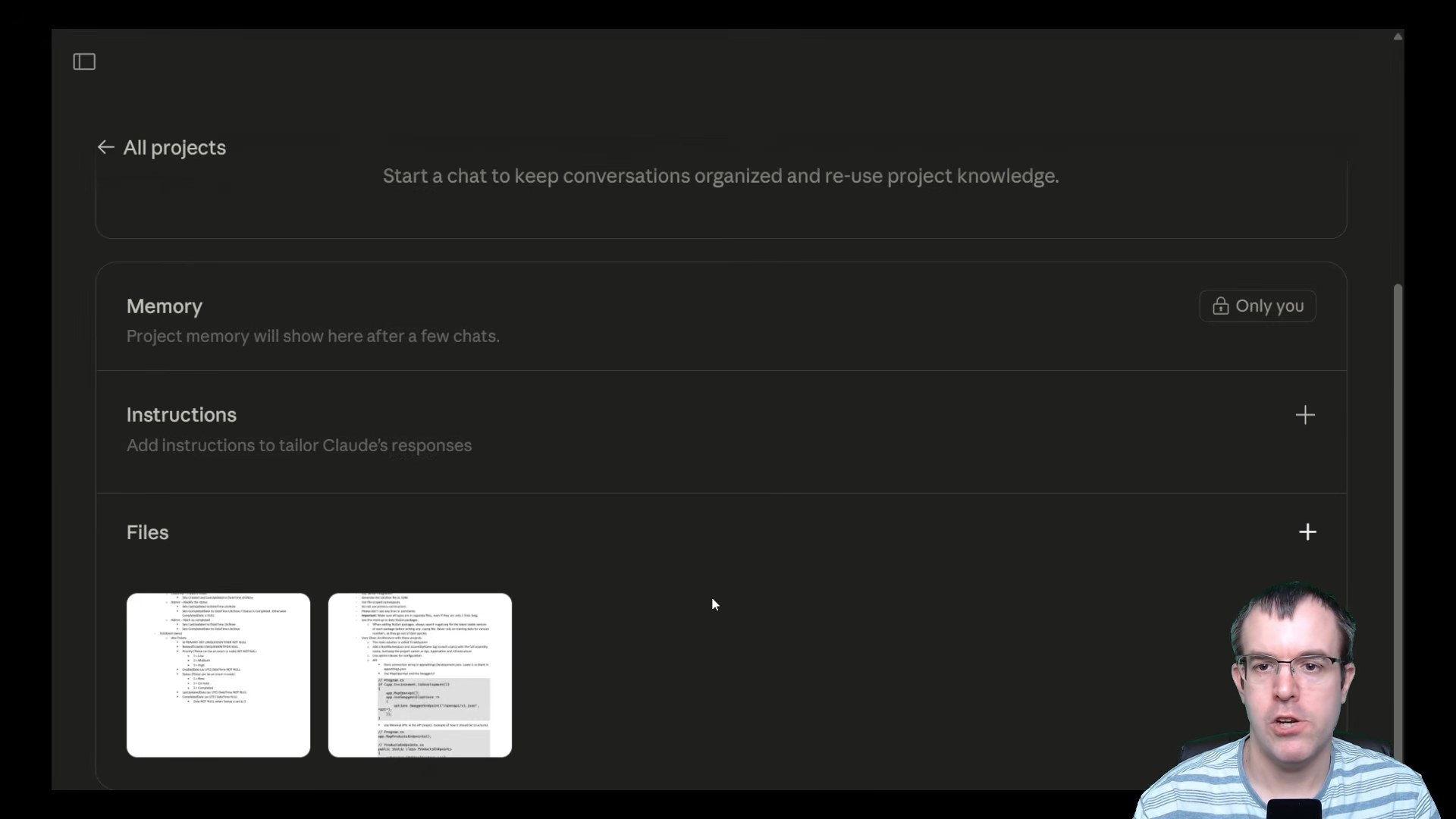
To improve the results, detailed technical documents are created and uploaded to Claude. These documents define framework versions, coding standards, database design, architecture preferences, and package requirements. The goal is to reduce ambiguity and provide clearer guidance for the AI.
6. Claude's Second Attempt
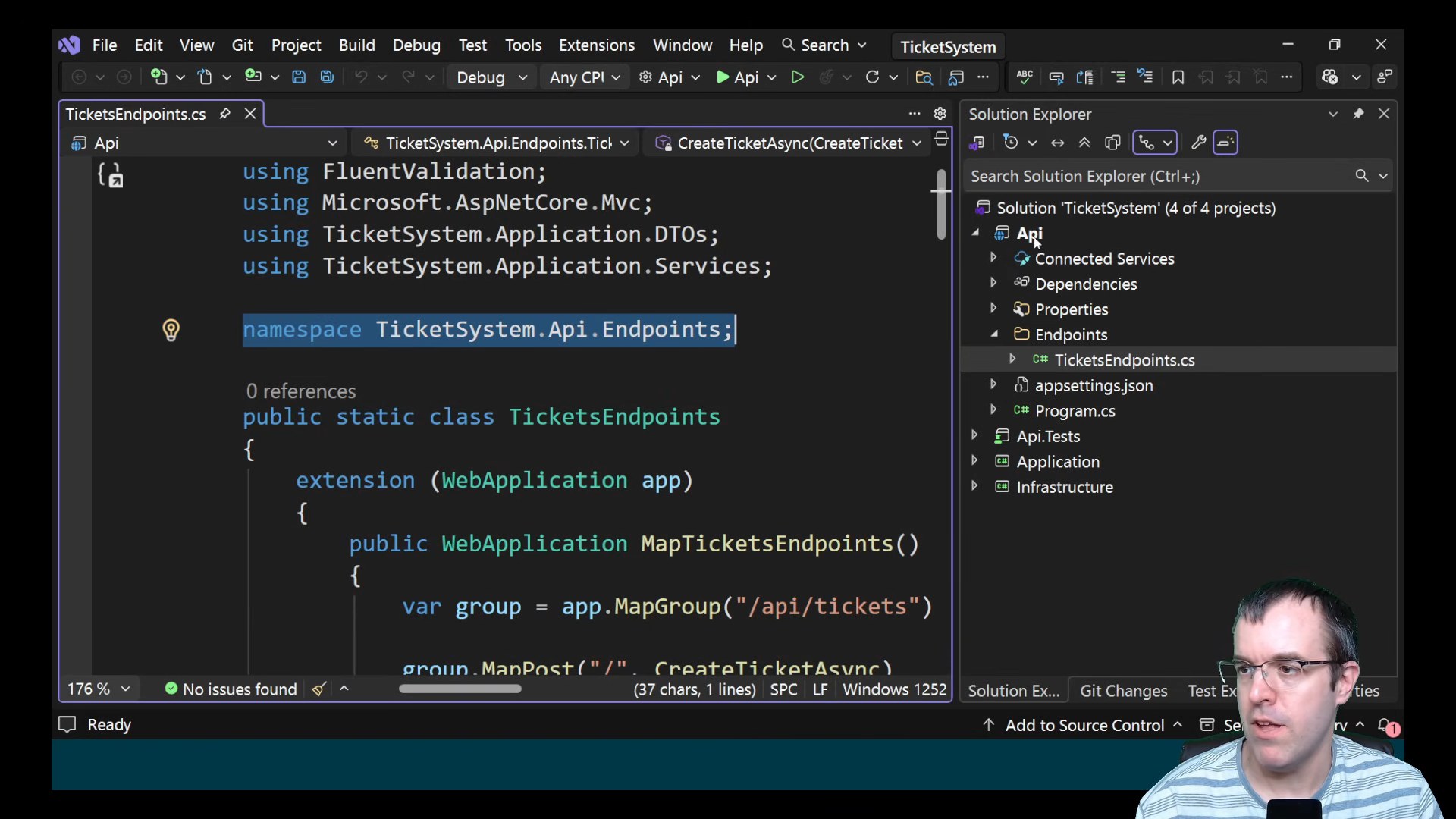
Using the technical specifications, Claude generates a significantly improved version of the application. The project now follows the requested architecture, uses Minimal APIs, adopts modern .NET conventions, and better aligns with the developer's expectations. While some issues remain, the overall quality is noticeably higher.
7. Completing the Database Setup
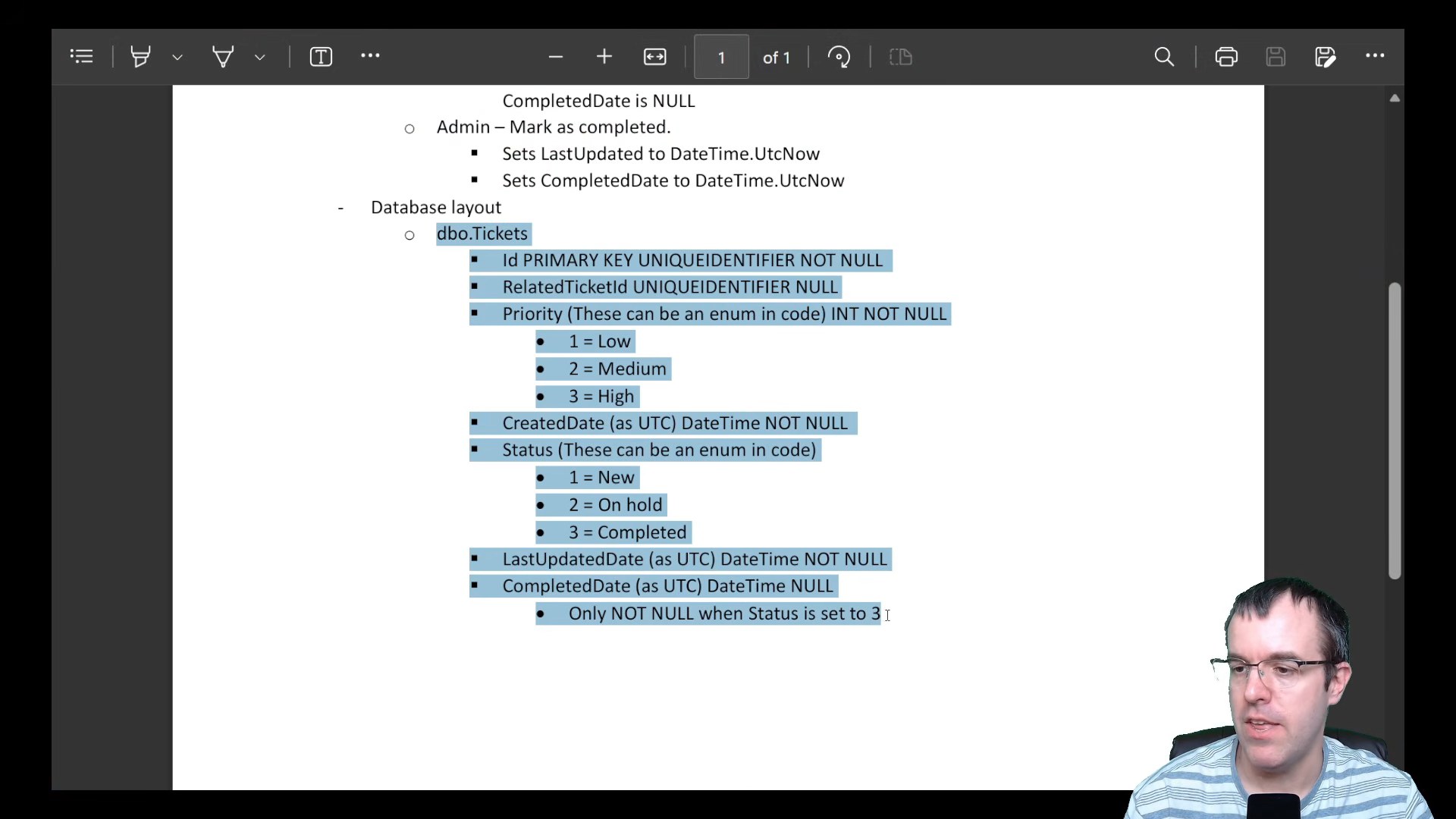
The remaining migration problems are resolved, allowing the database to be successfully created. The generated schema matches the technical specification, and the ticketing system is now backed by a functional SQL Server database. This marks a major milestone in the application's development.
8. Claude Pricing for Development Projects
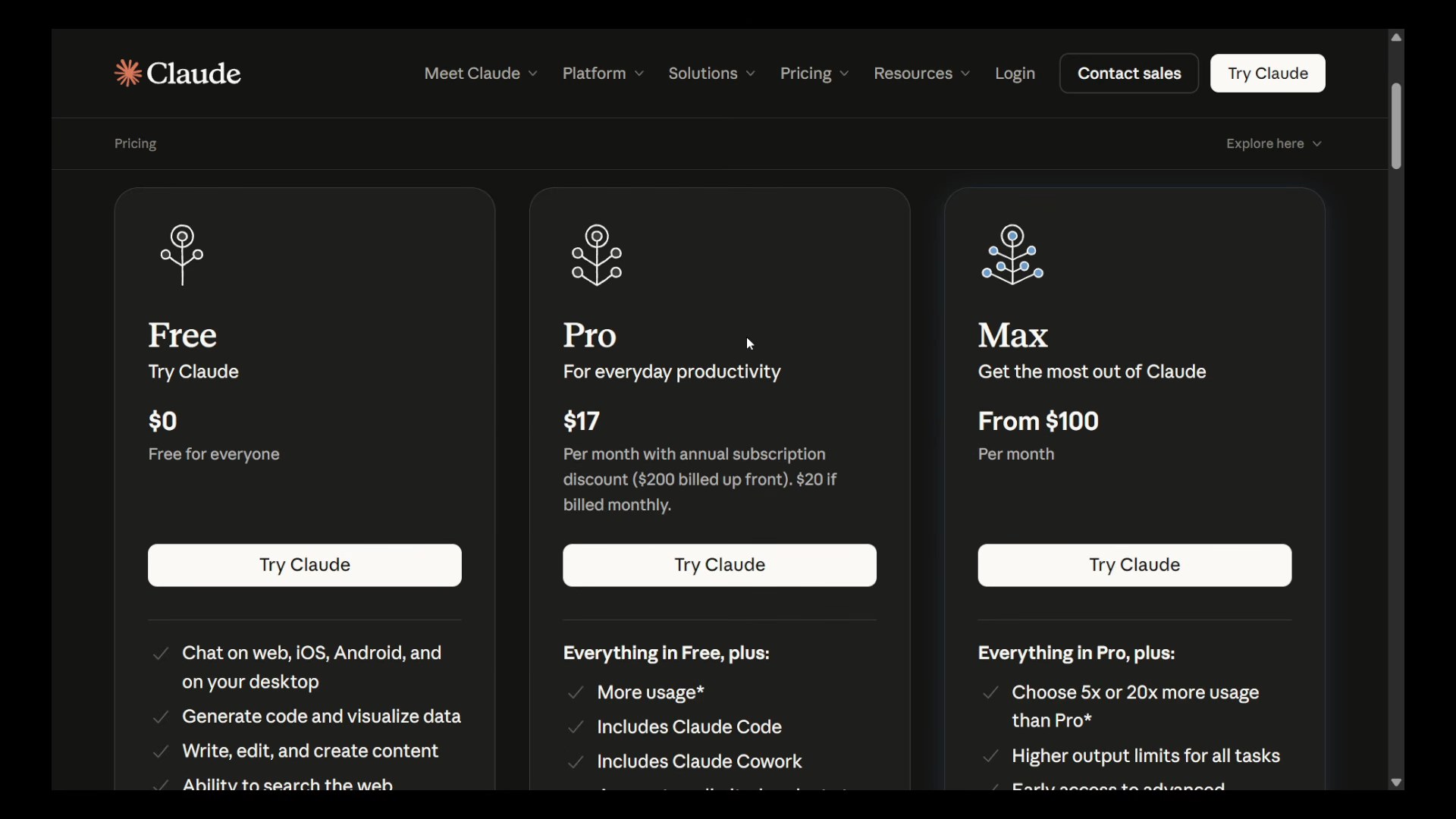
The video briefly reviews Claude's pricing structure, including Pro, Max, Team, and Enterprise plans. Because software development workflows consume a large number of tokens, developers working on larger projects may need a paid subscription to use Claude effectively.
9. Testing the Finished Application
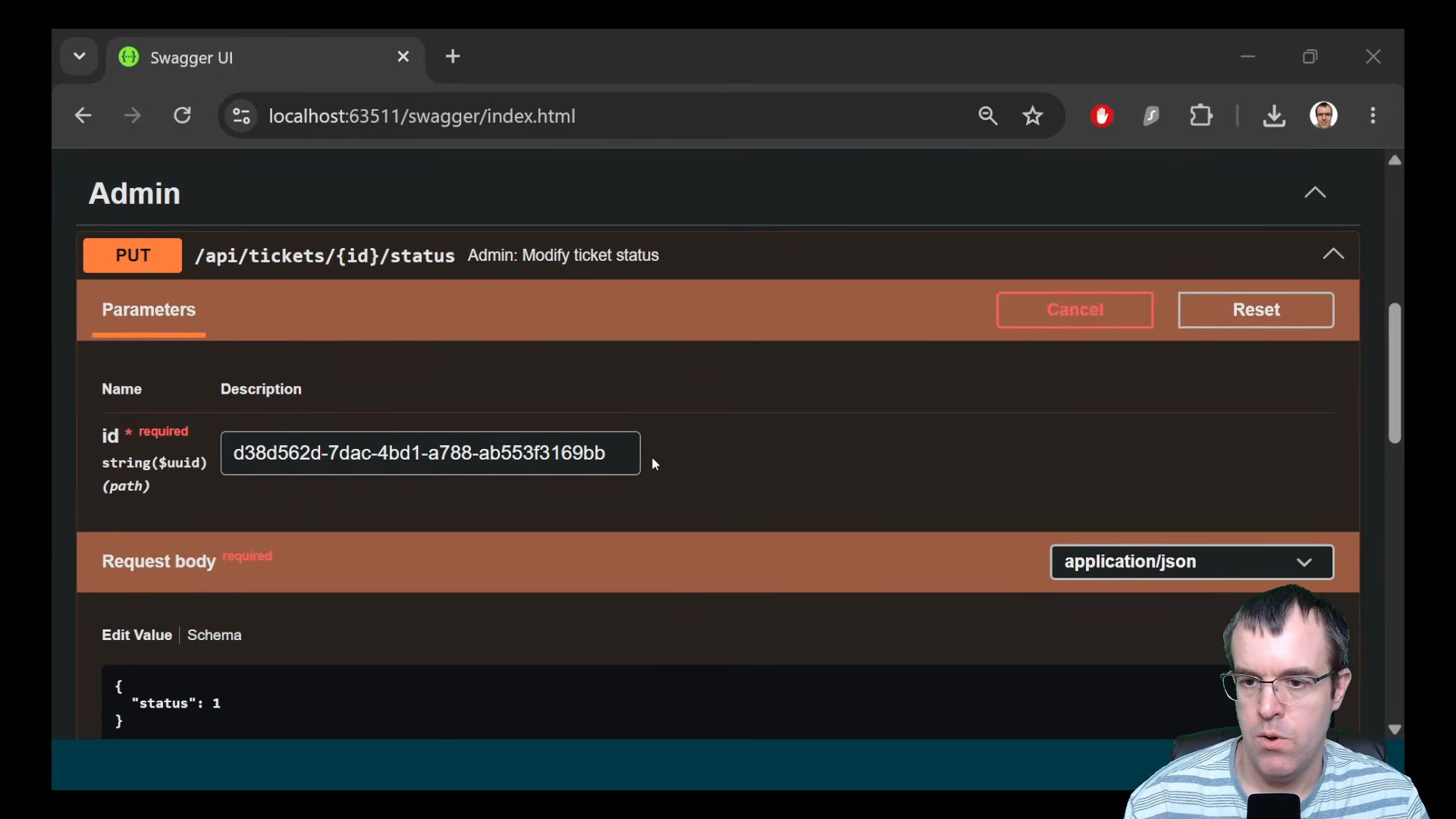
With the application built and the database configured, the creator performs a series of functional tests. Tickets are created, statuses are updated, completion endpoints are exercised, and database records are verified. Unit tests are also executed to confirm that the system behaves as expected.
10. Final Results and Lessons Learned
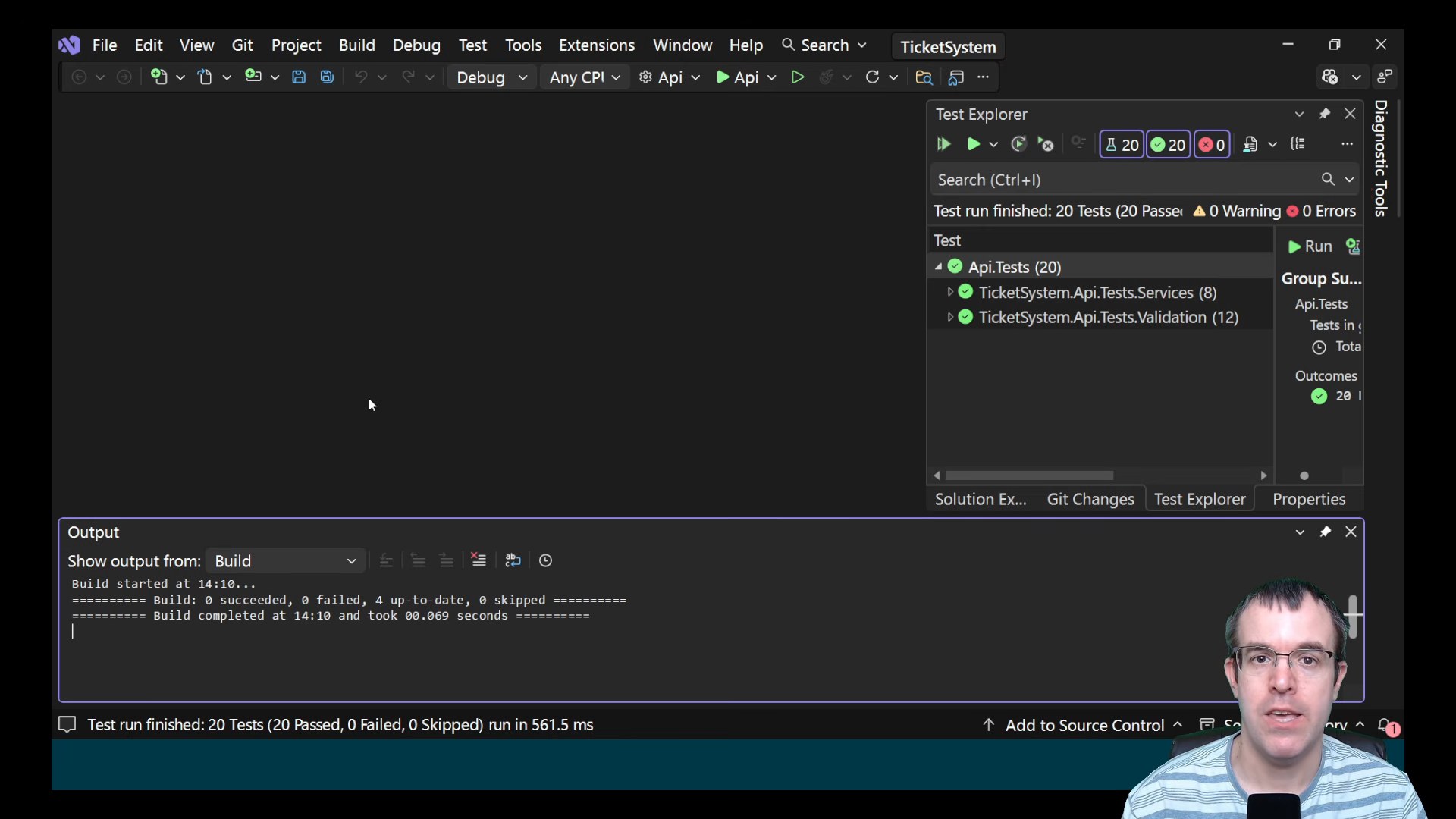
The experiment concludes with a fully functioning ASP.NET Core ticketing system generated largely by Claude. The results demonstrate that AI can dramatically accelerate development, but also reinforce the importance of clear requirements, iterative refinement, testing, and human oversight throughout the process.
Conclusion
This experiment demonstrates both the strengths and limitations of AI-assisted software development. Claude was able to generate a functional ASP.NET Core ticketing system, create project structures, implement business logic, and produce a working application with relatively little manual coding.
However, the process was far from fully automated. Compilation issues, migration problems, architectural decisions, and missing requirements still required human intervention and validation. The quality of the final result improved dramatically once detailed technical specifications were introduced, highlighting the importance of clear requirements when working with AI tools.
Rather than replacing developers, tools like Claude are increasingly becoming powerful collaborators that can accelerate development and reduce repetitive work. The most successful outcomes still come from combining AI-generated code with human review, testing, and architectural oversight.
As AI coding tools continue to evolve, the ability to provide precise instructions and effectively validate generated code may become just as important as writing the code itself.
References
- Source video: Creating .NET apps takes forever - then I tried AI — Round The Code
License: Creative Commons Attribution (CC BY)
This content was produced through subtitle extraction, chapter generation, and re-editing based on the generated subtitles and chapters.